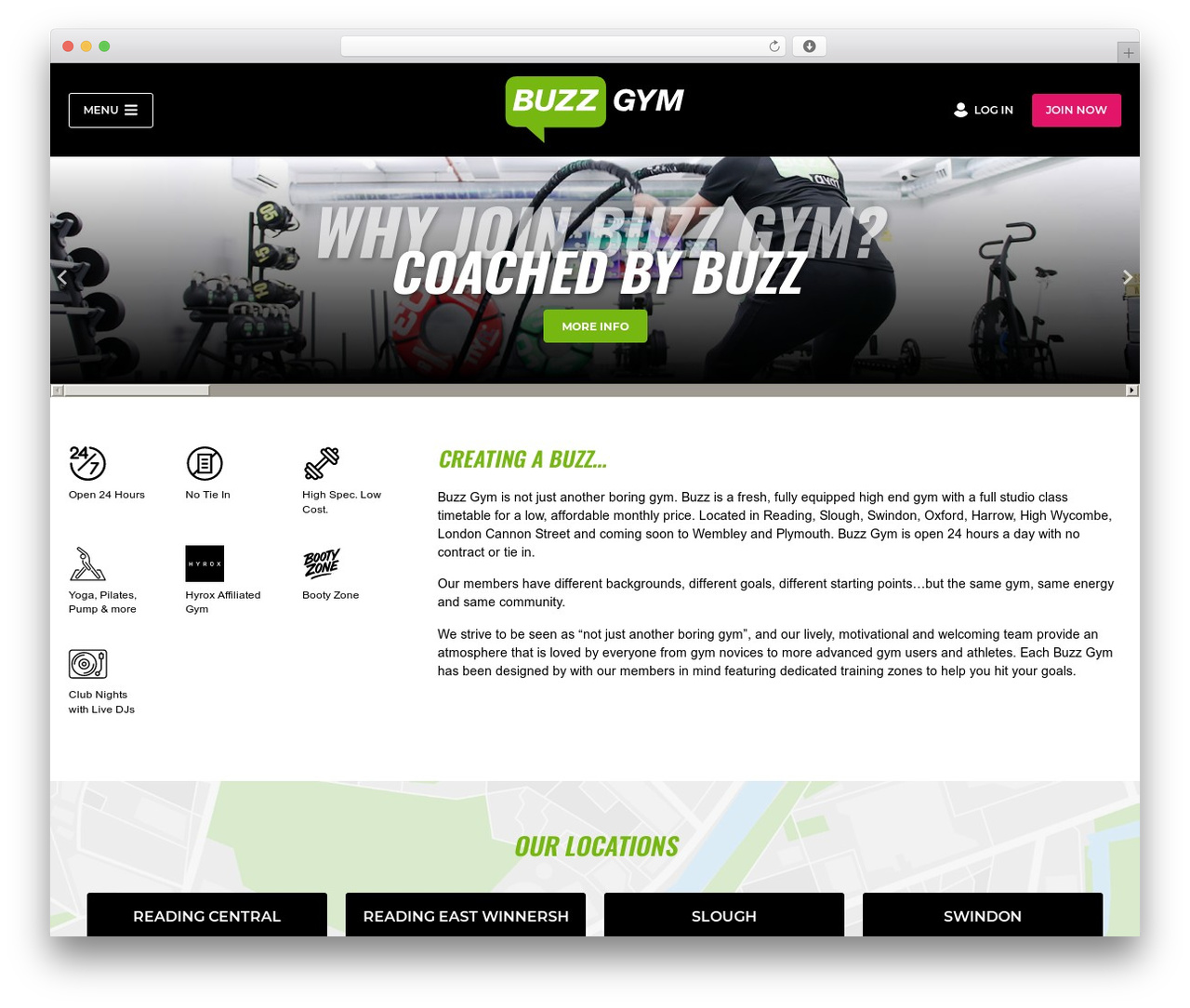
GeneratePress free WP theme - WordPress site: buzzgym.co.uk
Last updated Oct 2026
Page title: Buzz Gym | London, Reading, Slough, Swindon, Oxford, Wycombe
Page description: Located in Reading, Slough, Swindon, Oxford, Harrow, High Wycombe and London Cannon Street, a state of the art gym at an affordable price.
Detected WordPress themes (2x)
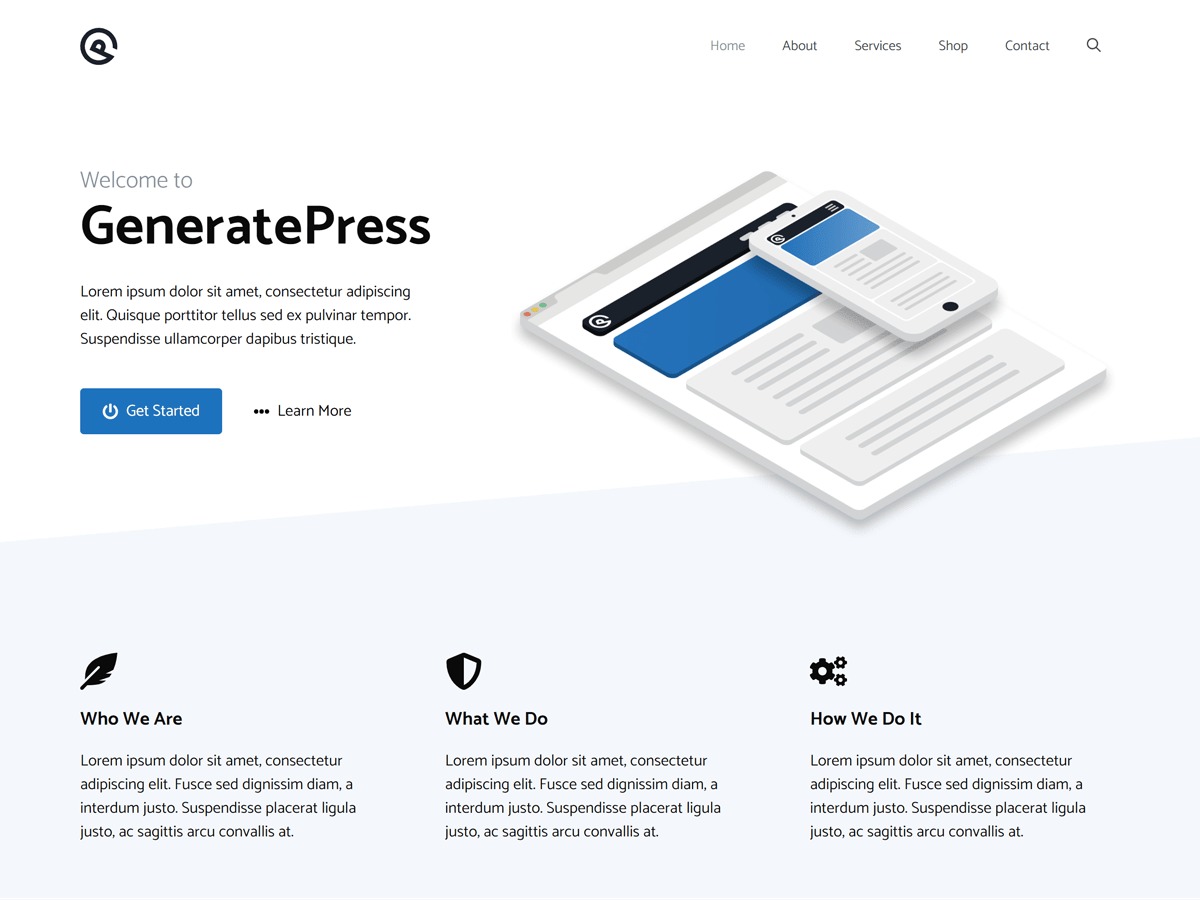
GeneratePress WordPress ecommerce theme by Tom Usborne. GeneratePress is a lightweight WordPress theme built with a focus on speed and usability. Performance is important to us, which is why a fresh GeneratePress install adds less than 10kb (gzipped) to your page size. We take full advantage of the block editor (Gutenberg), which gives you more control over creating your content. If you use page builders, GeneratePress is the right theme for you. It...

WP theme GeneratePress-Child by Dave Clark.
Detected WordPress plugins (10x)
 39 952
 519
519Contact Form 7 IE DatePicker and Number Spinner Fix
You are using the Contact Forms 7 Plugin and are angy about the none HTML 5 Support? No Problem. With this Plugin u will have the normal Datepicker & Number Spinner... 1 790 006
 1 710
1 710 99 354
 13 139
 3 296 10 375 1 405 331


Other GeneratePress WordPress ecommerce theme websites