Advanced Post Block – Display posts in a beautiful way. (advanced-post-block) free WordPress plugin

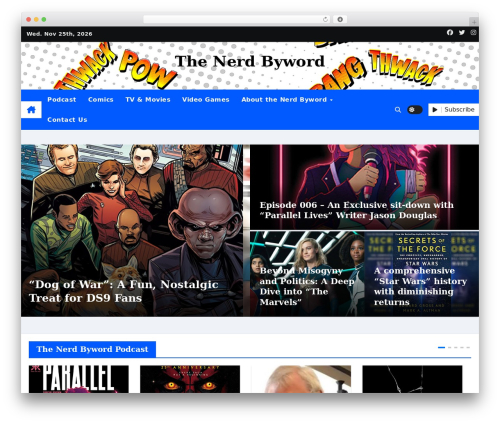
Advanced Post Block is an useful plugin for the new WordPress Gutenberg block editor. It added many new features for displaying posts or custom posts contents in your web page or posts.
Advanced Post Block is powerful but lightweight. Work with any theme, just need WordPress Gutenberg editor.
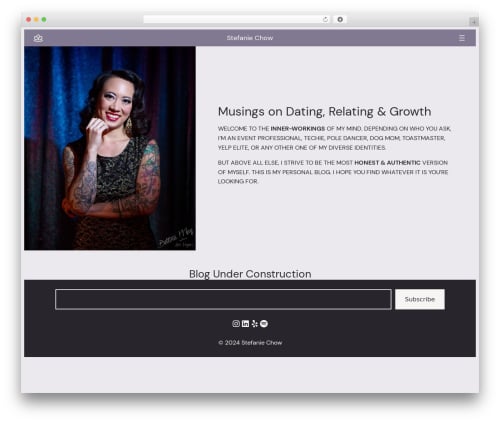
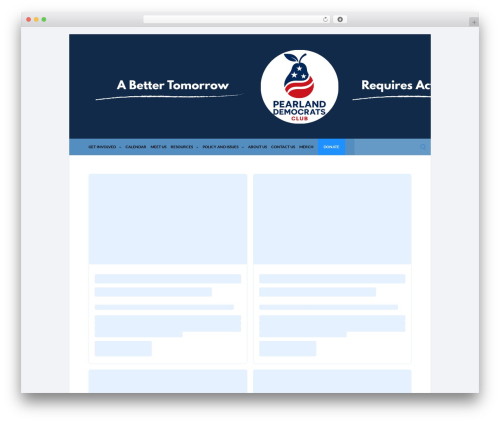
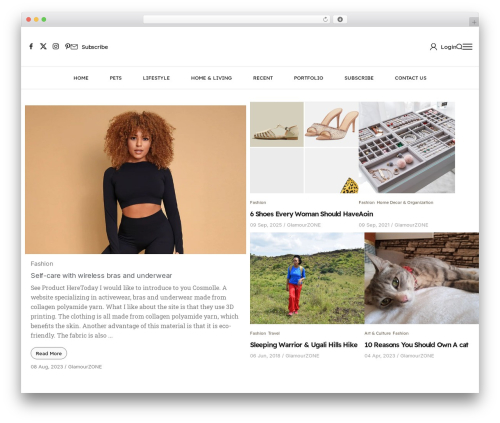
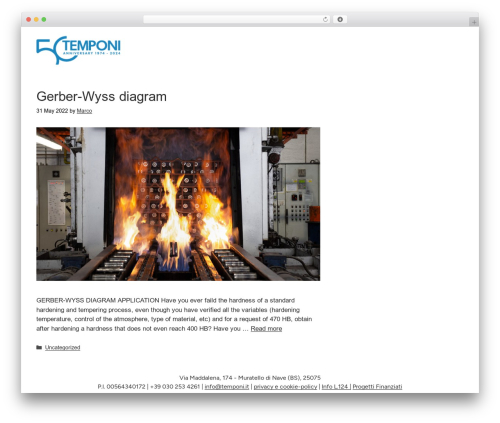
Demos
Features
-
Layouts: Three main layouts with various sub layouts.
-
Responsive: Works great with any devices with any screen size.
-
Post Query: Filter your posts by queries like post type, categories, posts per page, post order.
-
Elements: Show/Hide and customize post elements (image, title, meta, excerpt, read more).
-
Content: Custom typography with margin and padding spacing.
-
Feature Image: Show/Hide feature image and also enable disable the link.
-
Post Title: Show/Hide post title, make linkable, and change typography.
-
Meta Data: Custom Typography with customizable Icon, Link, and Text color for meta data.
-
Read More Link: Custom read more label, normal and hover color with typography.
Pro Features
-
Layouts: Checkout more layouts and sub layouts.
-
Pagination: Add custom pagination bottom of the posts.
-
Tag Filter: Post Filter by tags (only for default post).
-
Post Offset: Offset to exclude first N posts.
-
Custom Taxonomy Filter: Custom Taxonomy filter for post and custom posts.
-
Meta Data Icon: Custom icon for meta data.
-
Date Format: Date format option for meta date.
-
Reading Time: Show post reading time in meta area.
-
Excerpt from Content: Show excerpt from main content.
-
Ticker Layout Options: Options for ticker post layout.
-
Feature Image Size: Options to set feature image size.
-
Shortcode: Shortcode option to use anywhere.
How to use
- First install the Advanced Post Block plugin
- Add the Advanced Post Block from the block category called “Advanced Post Block” in Gutenberg editor.
- You can change block settings from the right side settings sidebar.
-
Enjoy!
-
For installation help click on Installation Tab
Feedback
- Liked that plugin? Hate it? Want a new feature? Send me some feedback
⭐ Check out the Parent Plugin of this plugin-
Author: bPlugins LLC
Plugin folder: advanced-post-block
Tags: block, blog posts, display blog posts, embed custom posts, show posts