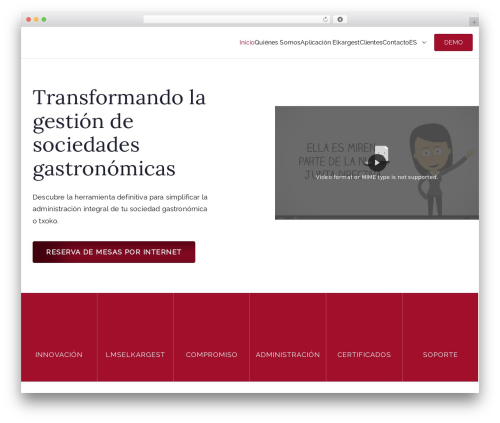
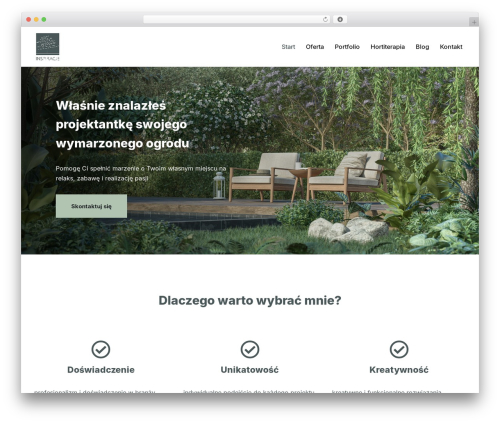
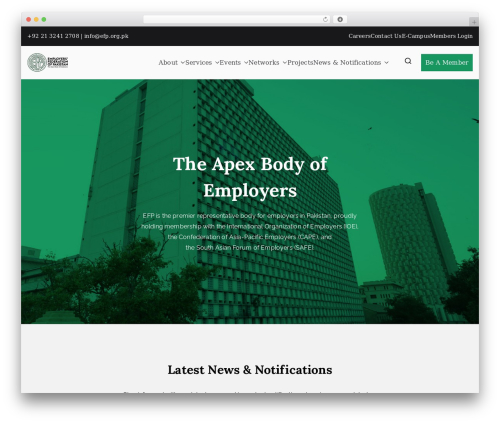
Gutenberg Blocks by BlockArt – Gutenberg Editor, Website Builder, Page Builder with Sections, Template Library & Starter Sites (blockart-blocks) free WordPress plugin

BlockArt Gutenberg Blocks – Best WordPress Gutenberg Block Plugin.
Packed with powerful features, BlockArt, offers a seamless website building experience. It offers six unique and responsive blocks to add. Moreover, you get a BlockArt Library comprised of Sections, Starter Packs, and Templates. Whether you’re a skilled designer or a beginner at WordPress, BlockArt is for you.
Furthermore, with its simple and easy-to-use interface, you can easily design any type of WordPress pages/posts. Best of all, you can use BlockArt as a tool to bring your own creativity into reality with these simple steps:
- Start by adding a section to your page/post
- Choose how many columns you want to add to the section
- Add suitable blocks to columns for creating a unique design like Banner, CTA, Service Box, Testimonial, Pricing Table, Team, and much more
- Style it by making changes to general and advanced settings options
Or, simply choose a pre-built template and import it in a single click. Then, all there’s left to do is customize the content as per your website’s needs.
THE MOST USEFUL GUTENBERG BLOCKS AND COUNTING
- Section: You can add various columns and nested sections. Further you can insert blocks on each section to create various unique layouts
- Heading: Create a stylish title for each section with various markups from H1 to H6
- Paragraph: Customize typography and style paragraphs with multiple setting options
- Button: Redirect users to your important pages or website by clicking buttons
- Image: Visual communication with your visitor via images
- Spacing: Add space between columns to make your design more appealing and cleaner
Key Features BlockArt Has to Offer
Here’s a brief description of each feature this WordPress Gutenberg block plugin offers.
-
Speed: We’ve created this plugin to be lightweight and fast. Hence, you don’t need to worry about your site being slow. Below are the points that make BlockArt lightning-fast:
- Reduced page size by limiting markup as much as possible
- Only the CSS used on our blocks are loaded on the page
- Only used Google fonts are loaded
- Blocks themselves are lightweight
- Compatible with caching plugins
-
Pre-built templates: With a single-click you can import pre-built templates, sections, and sites. What’s more is that you can import as many templates as you want.
- You can import any sections/templates from starter pack to the page/post
- For a better experience, related templates are listed while editing blocks
- Live editing – see actual changes in design as you edit
- Beautiful ready-to-import demo sites designed by professional UI/UX designers
-
Copy and paste styles: Easily copy the style you created and reuse it by pasting it anywhere on your page/post.
- Click the button in the block toolbar to copy the style of any block
- Paste the block across any tabs of the browseR
- Keyboard shortcuts available: Ctrl + C, Ctrl + Alt + V
-
Responsive editing: All the blocks are fully responsive and customizable.
- Responsive editing tools are provided to fully control block features like font size, line height, margin, padding, alignment, etc.
- Show/hide block in desktop, tablet, mobile
- Preview in responsive mode while editing
-
Dashboard widget area and customizer widget editor: Add BlockArt blocks as a widget on the sidebar as well.
- Works perfectly just like in page editor
ONLY NECESSARY FEATURES, NO CLUTTER
Below we’ve mentioned all the necessary feature BlockArt has to offer which makes it the crowd’s favorite.
- Unlimited layout possibilities
- Choice of units: px, em, %, rem
- Full width and contained section container
- Typography: font family font weight, line height, text transform, decoration, letter spacing
- Text colors
- Background color, hover color, background image and overlay
- Size and spacing: width, height, margin/padding, border/box shadow/border radius
- Horizontal and vertical alignment
- Various icons available to add to your button
Ready-to-use Website Demos for Gutenberg
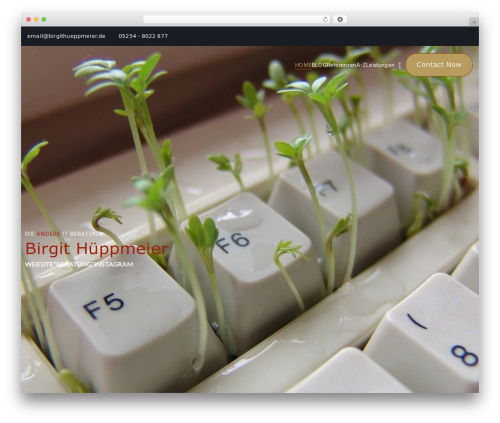
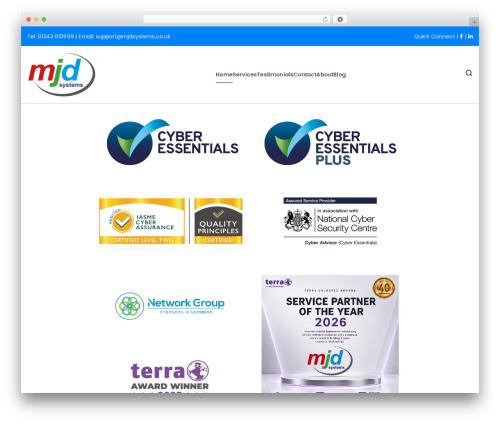
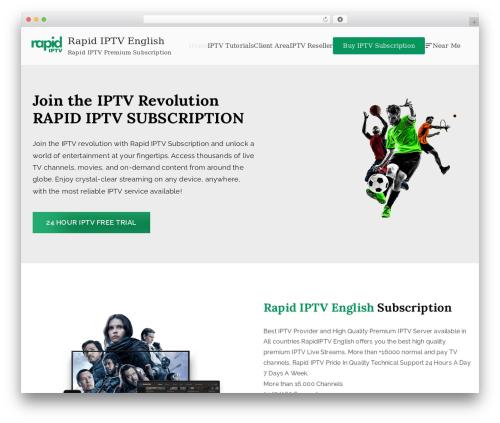
We’ve professionally created 17 pre-built starter templates using BlockArt and the Zakra theme. Further, you can easily import them with just a few clicks. To add more, they are fully customizable to create a beautiful website.
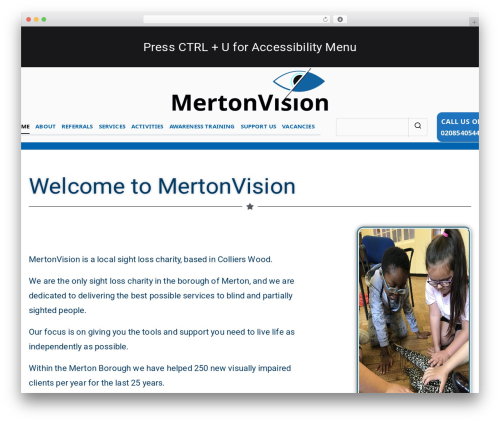
You get starter templates for almost every niche such as Agency, Digital Marketing, Wedding, Portfolio, Charity, Blogs, and more.
See Website Demos
Documentation and Support
Author: WPBlockArt
Plugin folder: blockart-blocks
Tags: block, block-editor, blocks, gutenberg, gutenberg blocks