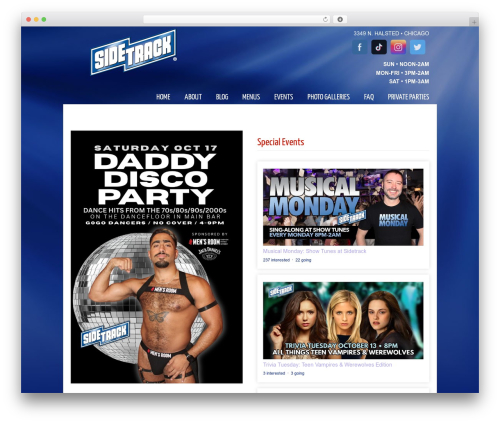
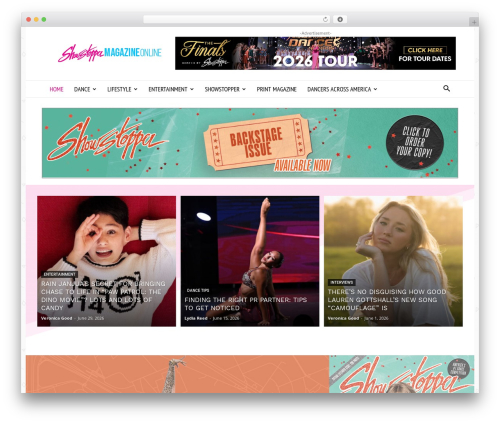
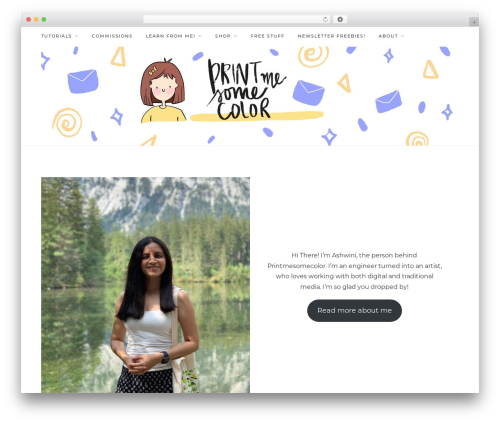
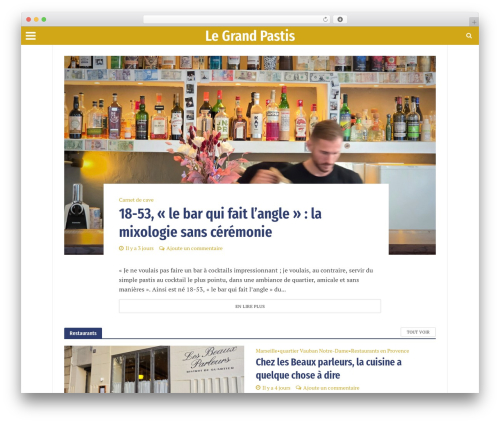
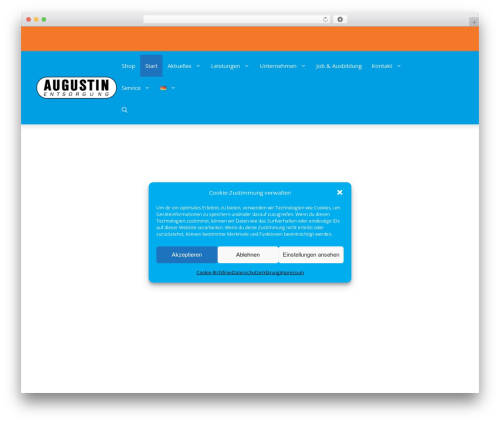
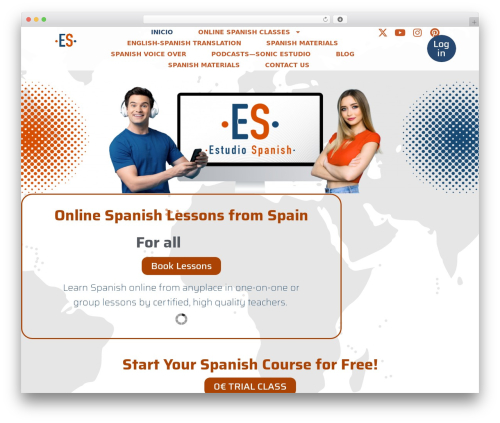
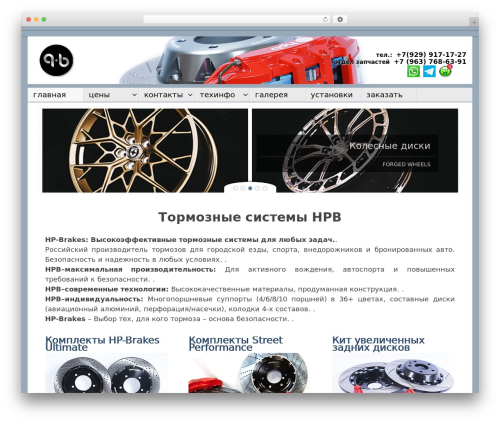
Button Block – Get fully customizable & multi-functional buttons (button-block) free WordPress plugin
Free Plugin206 websites
Get multi-functional buttons. The Button block plugin comes up with many useful and styling options that make you happy to build responsive, interactive, stylish buttons in a few clicks.
Demos
Features
-
Tooltip: Show tooltip text on button hover.
-
Download: Download files with this button easily.
-
Icon: Add icon with button text.
-
3D: Make button 3D with just single click.
-
Size: Make button small, medium, large, extra large also full width.
-
Animation: Lots of animation style with duration.
How to use
- First install the Button Block plugin
- Add the Button Block from the block category called “Widgets” in Gutenberg editor.
- You can change block settings from the right side settings sidebar.
-
Enjoy!
-
For installation help click on Installation Tab
Feedback
- Liked that plugin? Hate it? Want a new feature? Send me some feedback
⭐ Check out the Parent Plugin of this plugin-
Author: bPlugins LLC
Plugin folder: button-block
Tags: block, download button, Gutenberg block, link button, multi-functional button