Button contact VR (button-contact-vr) free WordPress plugin
Free Plugin3 563 websites
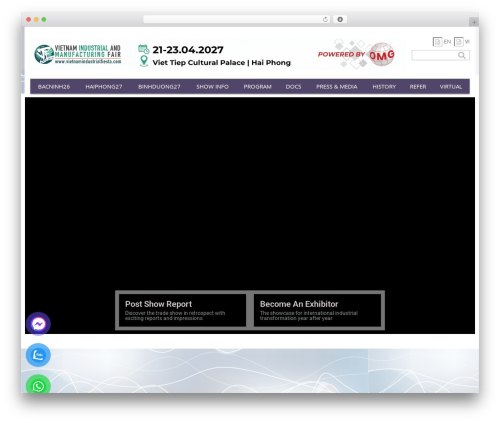
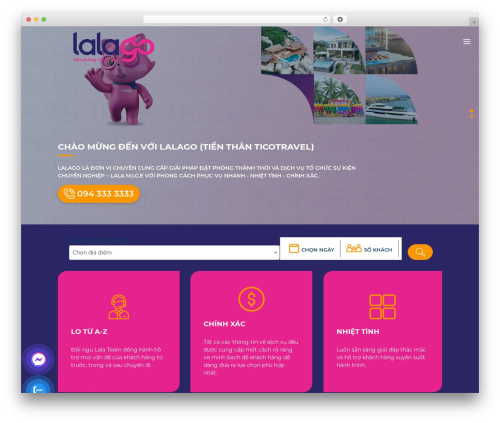
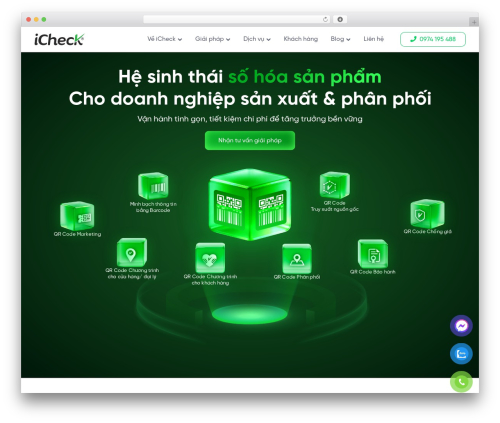
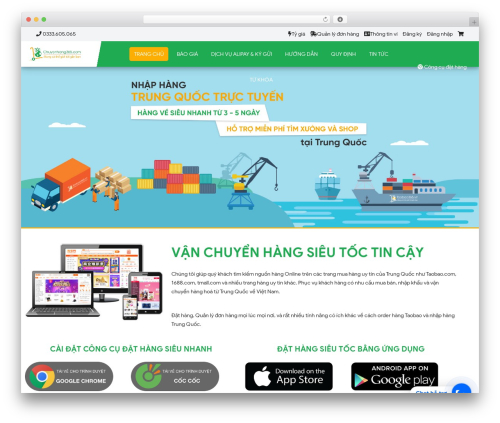
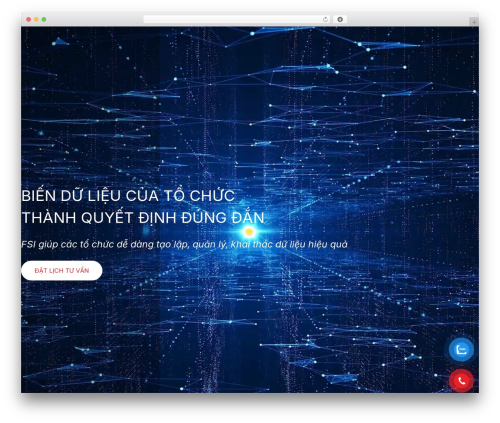
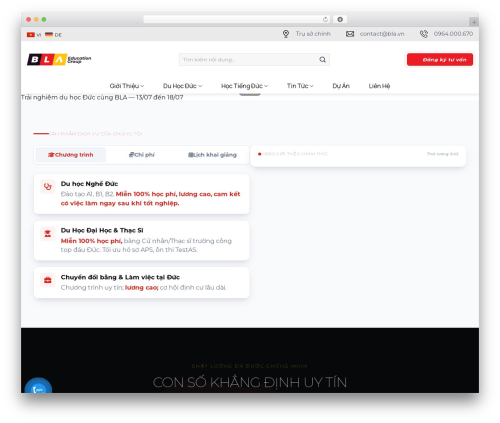
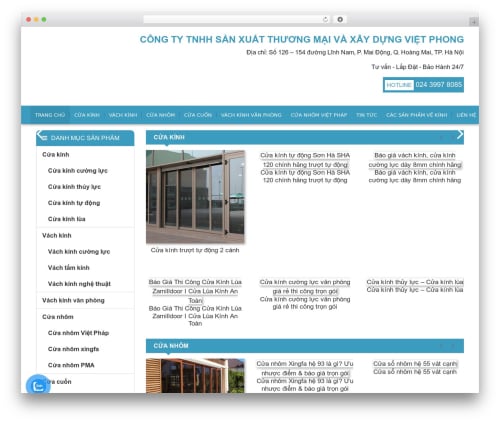
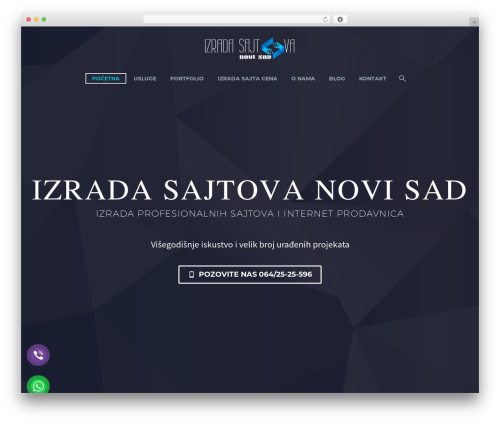
Fixed Hotline, zalo, viber, contact, whatsapp, messenger, popup form, popup showroom…
Location left – right – bottom
Size scale
All in one
Popup form (title, content, form, image and location)
From within WordPress
- Visit ‘Plugins > Add New’
- Search for ‘Button contact VR’
- Activate Button contact VR from your Plugins page.
Manually
- Upload the ‘Button contact VR’ folder to the ‘/wp-content/plugins/’ directory
- Activate the Hotline Phone Ring plugin through the ‘Plugins’ menu in WordPress
- Go to “after activation” below.
Help
https://webvocuc.com/blog/tag/button-contact-vr
https://github.com/virustran/button-contact-vr/tree/develops
Author: VirusTran
Plugin folder: button-contact-vr
Tags: Button contact call, messenger, popup, whatsapp, zalo