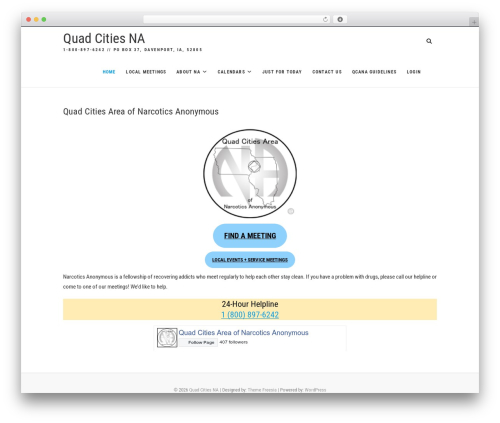
Buttons Shortcode and Widget (buttons-shortcode-and-widget) free WordPress plugin

Easily create all different kinds of buttons for your WordPress site. Insert buttons anywhere in your site – page/post editor, sidebars, template files. No coding is required. It is all done in a nice and easy interface.
Check on the Buttons Shortcode and Widget: Demo site | Documentation page
Upgrade to the Pro version of this plugin:
Buttons Mega Pack Pro | Demo site
Button Options
- Button Title
- Link
- Open in a new window
- Size
- Font Icon Type
- Icon Position
- Shape
- Color
- Background color
- Border color
- Title color
- Icon URL
- Custom CSS Class
Insert Buttons Anywhere in your site
Basically buttons can be inserted anywhere in your site
- Page/post WYSIWYG editor by using the buttion in the editor
- In sidebars by using the OTW Shortcode Widget
- In template files by using the button’s shortcode and WP do_shortcode function
Custom styling
If you need to further style a button here are your options:
- Each button shortcode has it’s unique CSS class that can be used to style all buttons.
- Create a new class for each instance of a button shortcode in its interface so you can style it individually.
Localization/Internationalization
This plugin comes Localization/Internationalization ready. It is following WordPress I18n standards.
Full version of the plugin
Upgrade to the full version of Buttons Mega Pack Pro | Demo site
- Advanced Buttons Builder
- Download Buttons Builder
- Support and Updates
- Zero Coding Required
Author: OTWthemes.com
Plugin folder: buttons-shortcode-and-widget
Tags: button, buttons, shortcode, widgets, wysiwyg editor