Countdown Time block – Display event's date into a timer. (countdown-time) free WordPress plugin

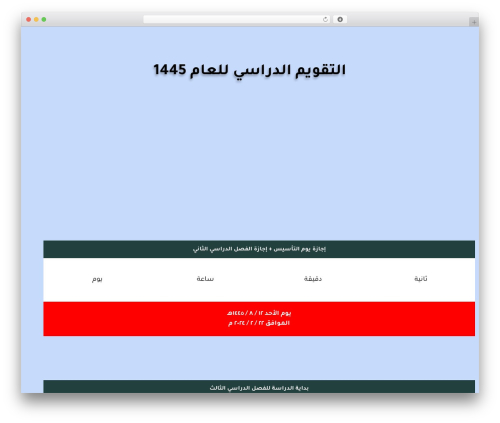
Showcase your countdown timer in a professional way. This plugin adds a new block in the Block Editor by which you can create a professional-looking countdown timer block!
It is very effective in presenting your countdown timer nicely. There are many options that you can use to decorate your countdown timer in any color you like.
Demos
Features
- Fully Customizable: All the options you need to arrange the showcase to your liking are available here.
- Different Templates: This block comes with different templates, you can easily change the templates.
- Elements settings: Change the elements settings such as show hide days, hours, minutes, seconds. Also, change the labels of them.
Pro Features
-
Expired: Show expire content after countdown expired.
-
Hide on 0: Hide box that reach at 0.
-
Hide on Mobile: Hide countdown time in mobile view.
-
Hide on Tablet: Hide countdown time in tablet view.
-
Prefix Text: Show prefix text before countdown time.
-
Suffix Button: Show suffix button after countdown time.
-
Prefix Suffix Direction: Prefix Suffix Content direction.
-
Single Style: All time unit box single style.
-
Dismiss Button: Dismiss button to hide the countdown.
How to use
- First install the Countdown Time plugin
- Add the Countdown Time block from the block category called “Widgets” in Gutenberg editor.
- You can change block settings from the right side settings sidebar.
-
Enjoy!
-
For Installation help click on Installation Tab
Feedback
- Liked that plugin? Hate it? Want a new feature? Send me some feedback
⭐ Check out the Parent Plugin of this plugin-
Author: bPlugins LLC
Plugin folder: countdown-time
Tags: block, countdown, countdown timer, countdown timer blocks, timer