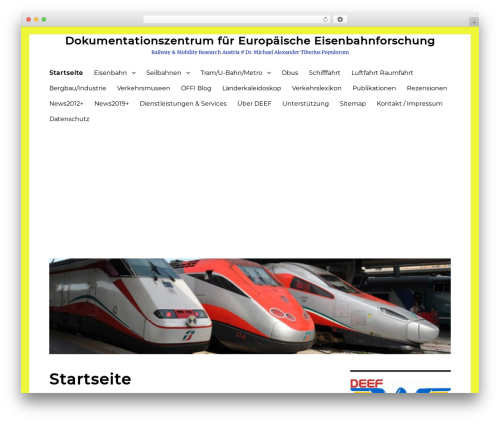
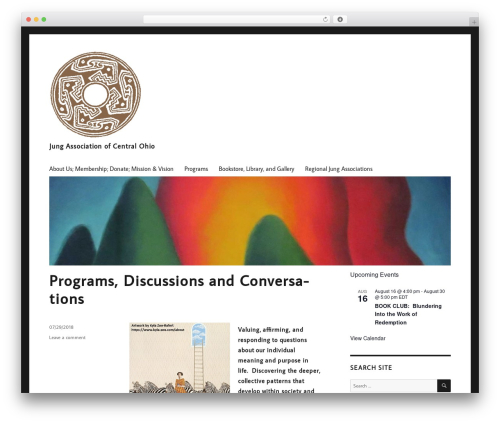
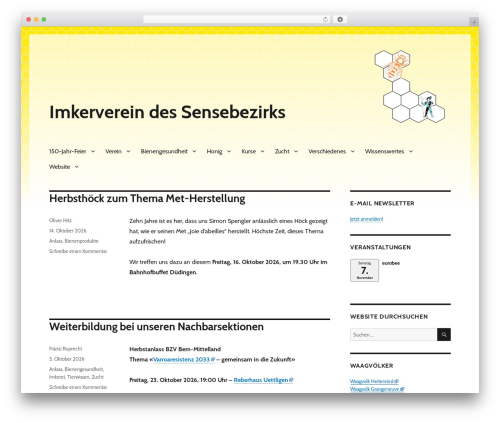
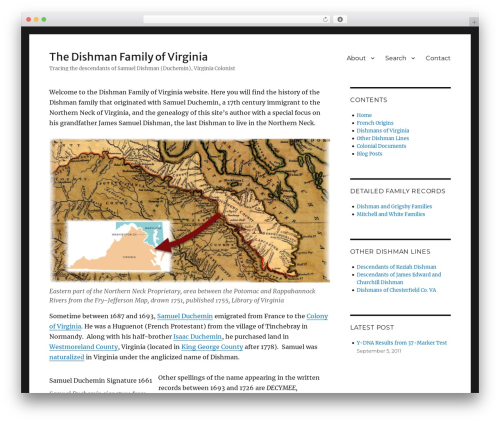
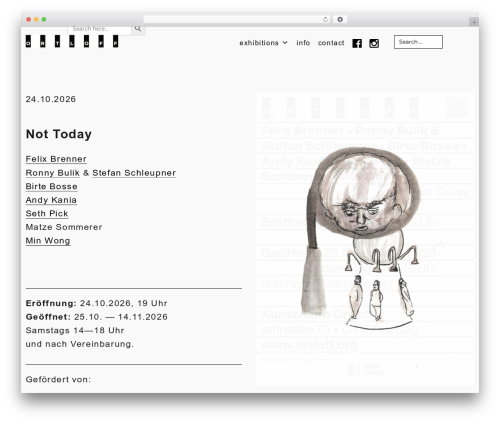
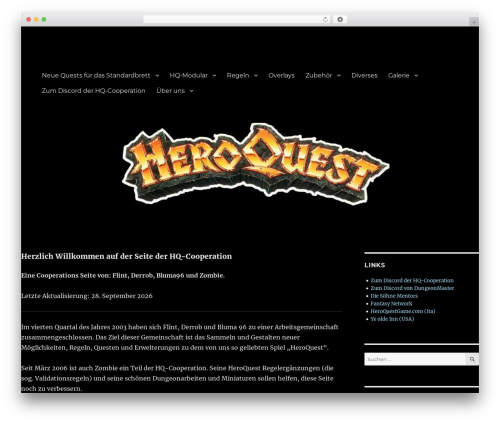
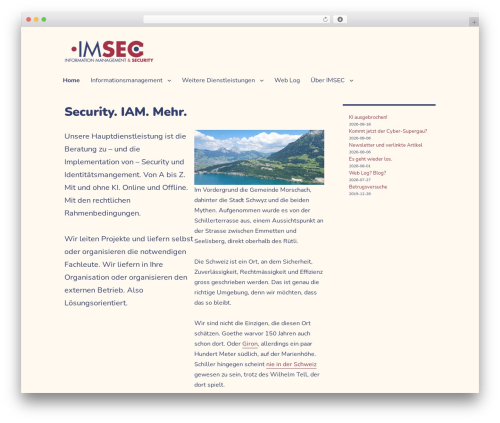
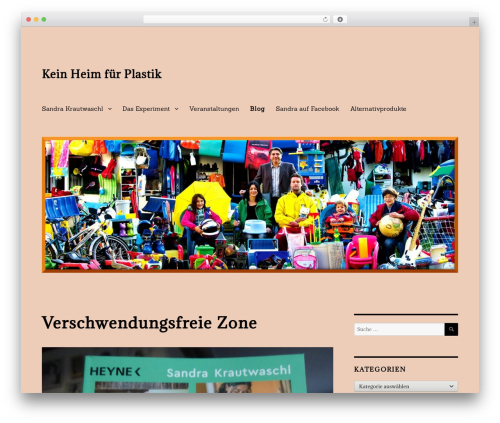
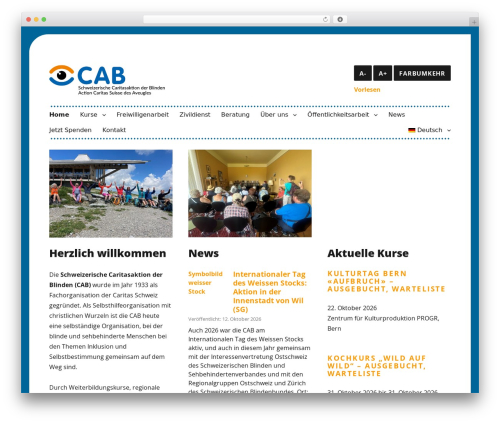
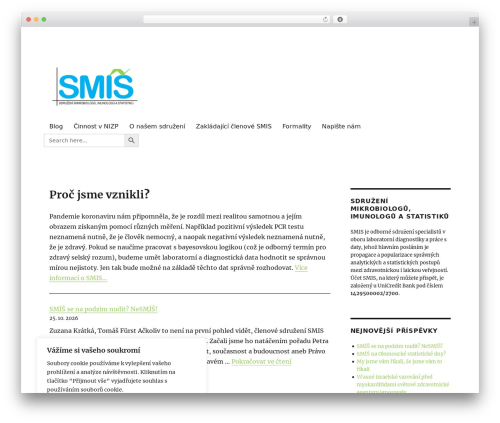
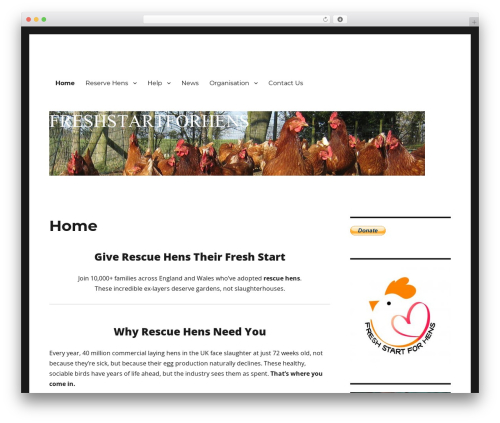
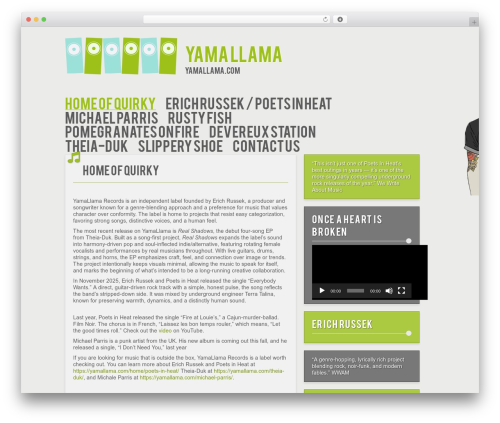
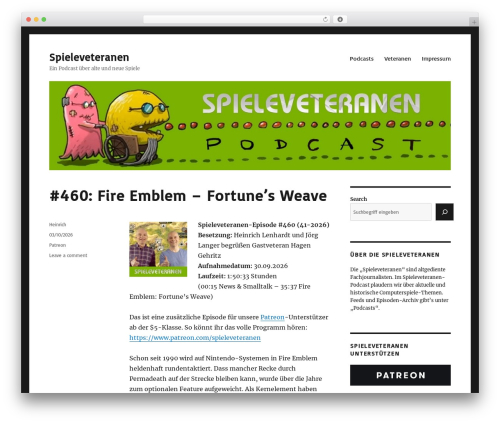
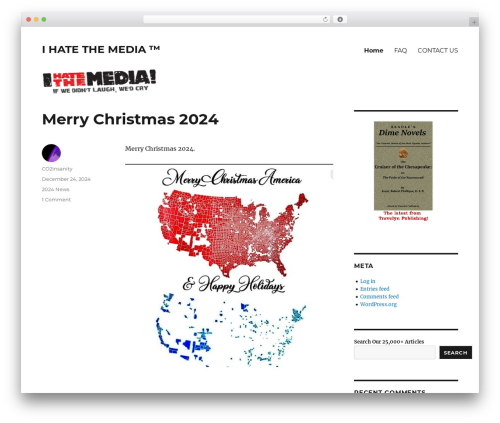
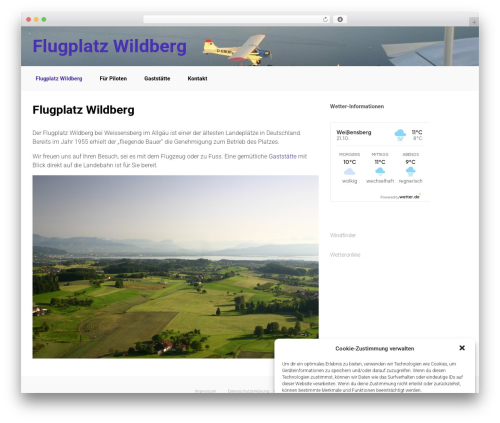
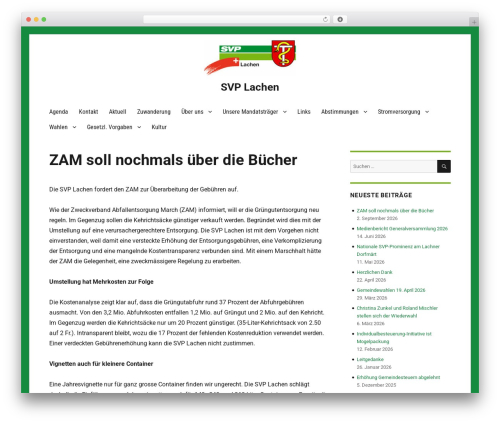
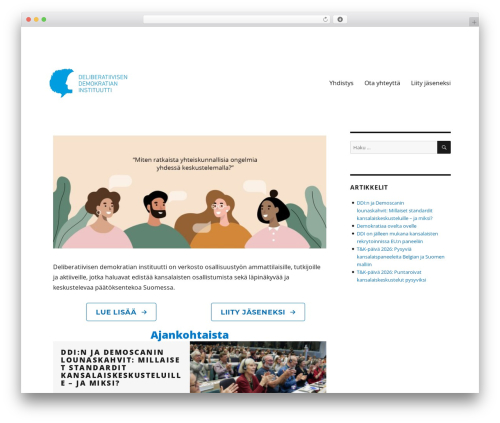
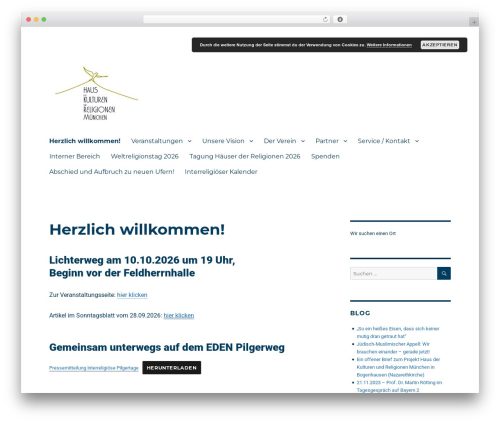
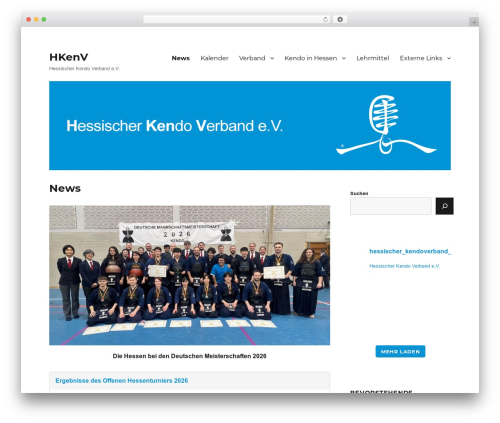
Customize Twenty Sixteen (customize-twenty-sixteen) free WordPress plugin

Customize Twenty Sixteen theme – add Google Fonts, use new templates without sidebar and get other options to easily customize your site.
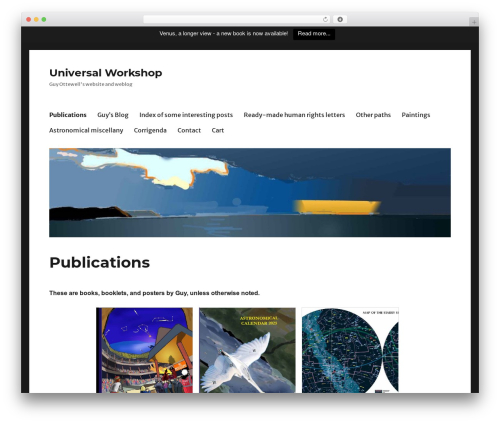
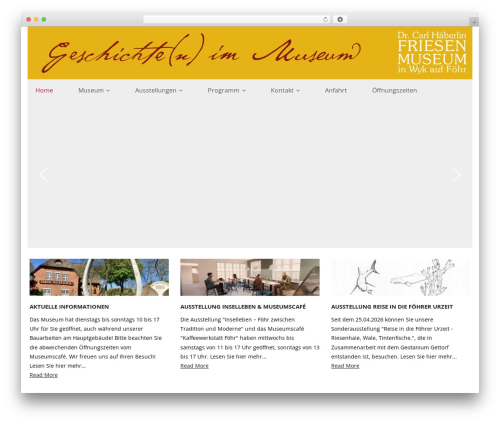
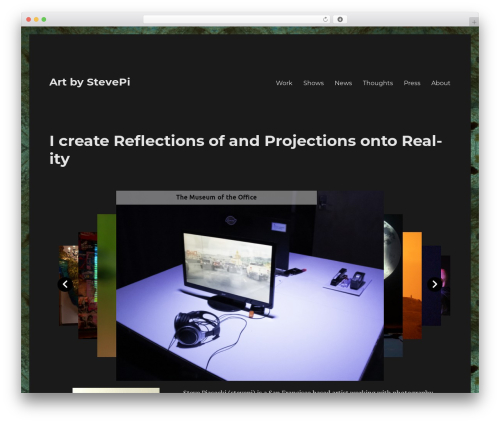
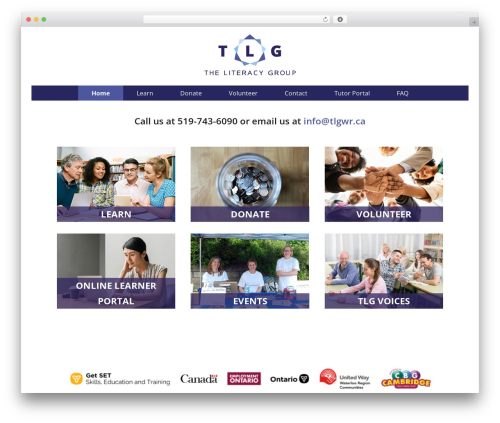
This plugin simplifies customization of Twenty Sixteen theme by giving you additional Customizer options including the usage of Google Fonts, and usage of additional page templates.
Create your premium looking website using only Twenty Sixteen theme
Check out our demo pages built with Twenty Sixteen theme and Bold Page Builder plugin:
- Restaurant 2016 Demo
- Handyman 2016 Demo
- Wedding 2016 Demo
Our demos also use the following free plugin:
- Bold Page Builder plugin
New Templates
Customize Twenty Sixteen adds additional page templates which can be selected on page edit:
- No sidebar boxed (default boxed, but page without sidebars)
- No sidebar wide (wide page without sidebars)
- No sidebar fullscreen (use with Bold Builder)
Customization Options
Also it will add new customization section (BoldThemes Settings) with following options:
- Body font
- Title font
- Heading font
- Menu font
- Remove space around pages
- Remove space around header
- Remove entry header
- Menu position – default, left and centered below logo
- Custom CSS
- Custom JS
Options allow you to change the visual appearance of pages and add custom JavaScript and CSS code without creating a child theme or editing theme files. Easily add Google Analytics, Facebook Pixel or similar without theme files modification.
Actively developed and supported
Customize Twenty Sixteen is actively developed by BoldThemes , authors of a number of free and premium WordPress themes and plugins.
Author: BoldThemes
Plugin folder: customize-twenty-sixteen
Tags: change, customize, master, modify, twentysixteen