ICIT Weather Widget (interconnect-it-weather-widget) free WordPress plugin
Free Plugin46 websites
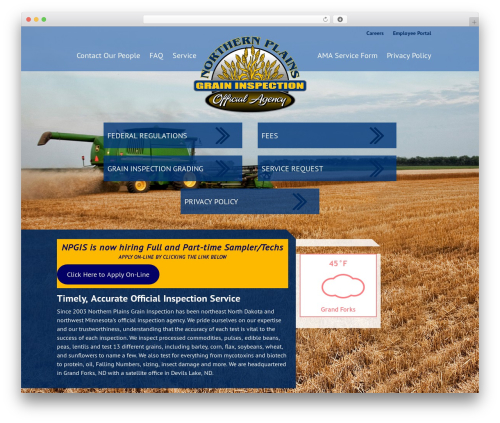
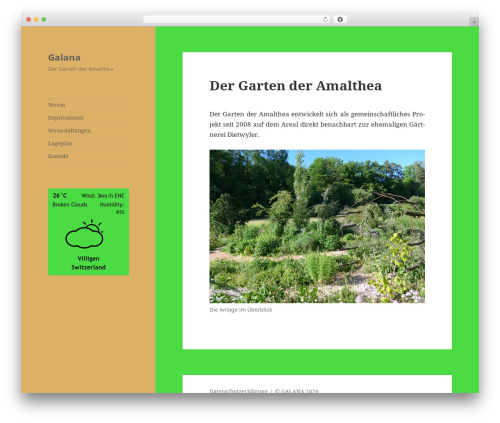
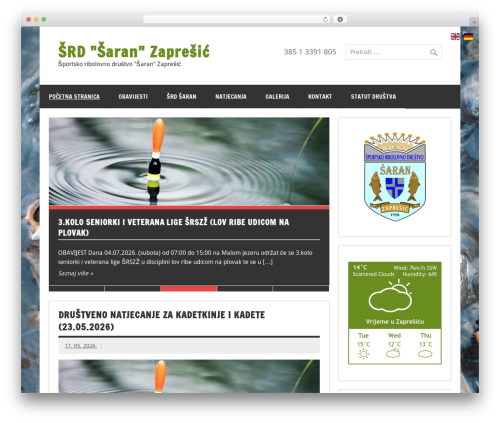
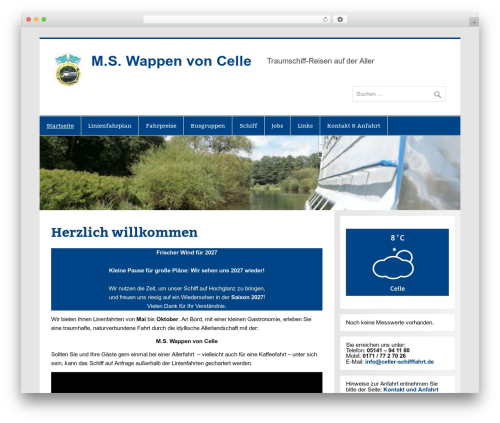
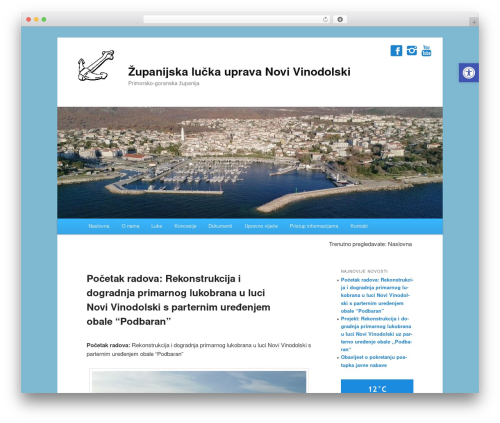
Weather information is pulled from the OpenWeatherMap API. This plugin adds a widget that can be dropped into any sidebar, can be customised to suit your theme and won’t hit any usage limits.
The widget can be configured as follows:
- API key – required to get weather data from OWM, once entered it will be saved and auto filled in future widgets
- Country – choose the country to get weather data from. (Some countries do not have an average result for weather conditions)
- City – Enter the name of your area to recieve the weather results. If you want to use City ID, go to OpenWeatherMaps City List.
- Display Mode – you can choose to show either a compact view of the current weather or show the forecast for the current day and next three days.
- Colour Style – Choose between two styles of colouring:
- Style 1 – Primary colour: Background colour of current weather and font colour of forecast, Secondary colour: Font colour of current weather and background colour of forecast.
- Style 2 – Primary colour: Font colour for both sections, Secondary colour: background colour of both sections.
- Primary colour during day – use the colour picker to choose what primary colour you want during the day time.
- Primary colour during night – use the colour picker to choose what priamry colour you want during the night time.
- Secondary colour during day – use the colour picker to choose what secondary colour you want during the day time.
- Secondary colour during night – use the colour picker to choose what secondary colour you want during the night time.
- Show Temperature in Celsius – sets the temperature display to degrees celsius rather than farenheit.
- Show weather breakdown – choose whether to display the wind, humidity and written weather condition, as well as the temperature and weather icon.
- Show Wind Speed in mph – sets the wind speed display to mph rather than km/h.
- Cache Time – this is the interval in minutes before the plugin refreshes the forecast data.
- Output CSS – toggle whether the widget should output it’s own CSS.
- Show Credit Link – this plugin is offered completely free of charge. If you’re feeling kind please leave this in to send some delicious web traffic our way
Author: Interconnect IT, James R Whitehead, Andrew Walmsley & Miriam McNeela
Plugin folder: interconnect-it-weather-widget