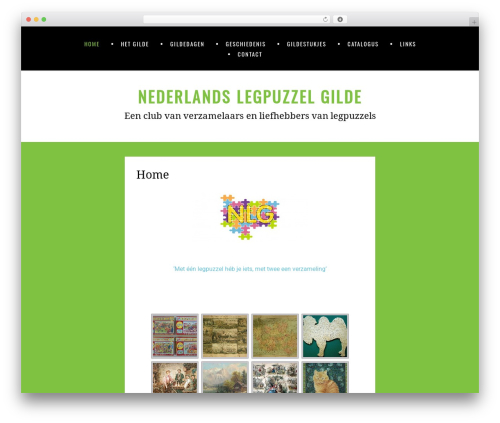
MyPuzzle Jigsaw (mypuzzle-jigsaw) free WordPress plugin

Major features in this version include:
- New! Add a custom redirect to another page when the user solved the puzzle
- New! Hide restart and gallery button
- Use the included MyPuzzle Image Gallery and random startup images
- Link your own Image Library
- The jigsaw puzzles can be inserted everywhere: in your theme files, posts and pages.
- Use your own image url and automatically get jigsaw puzzles for them
- many different levels from 2×2 pieces up to 20×20 pieces are available
- You can change size of the puzzle specifically
- enable or disable rotation of pieces to make it easier or more complicated
- change background color to fit your themes and layouts
- show or hide the preview for the puzzle result image
For more details and examples visit the plugin page on WordPress Jigsaw Plugin
How to use
Use the wordpress post shortcut [jigsaw-mp] for default setup or with parameter for individualizing for each post.
Examples:
– [jigsaw-mp]
– [jigsaw-mp size=300 pieces=4 rotation=1 preview=1 bgcolor=’#ffffff’ myimage=”]
– [jigsaw-mp size=400 pieces=3 rotation=1 preview=0 bgcolor=’#f4f4f4′ myimage=” myimage=’http://mysite.domain/img_folder/example.jpg’]
– [jigsaw-mp gallery=’wp-content/uploads/myimages’]
– [jigsaw-mp doredirect=’1′ mylink=’http://mypuzzle.org’]
– Or any combination of the above
When using the resize option is not possible you have to resize the images yourself.
The best size for the puzzle is about maximum height of 440 and maximum width of 640.
So depending on the height/width ration you have to resize your image to fit one side the maximum value while beeing less on the other.
Visit WordPress Jigsaw Plugin
Author: [email protected]
Plugin folder: mypuzzle-jigsaw
Tags: jigsaw, jigsaw puzzle, mypuzzle, puzzle, puzzle games