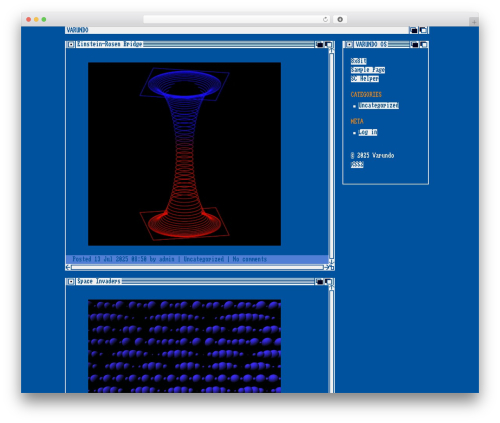
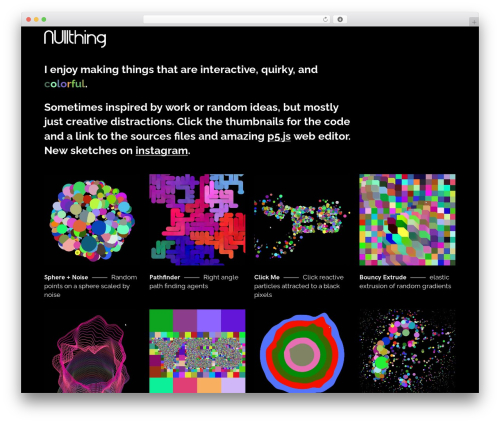
Responsive P5JS for WP (responsive-p5js-for-wp) free WordPress plugin

Embed your P5JS sketches in posts and pages in a responsive way
1. Create a new sub-directory in the /uploads/p5js/ directory (using FTP):
2. Upload all files and directories (index.html, scetch.js, libraries, etc) of your P5JS sketch to the new WordPress /uploads/p5js/[sketch_folder] directory.
3. Add a short code to your post or page
Attributes
sketchfolder: the name of your P5JS sketch (REQUIRED)
canvaswidth: the width of the sketch, should be the same as in your creattecanvas() statement (REQUIRED)
canvasheight: the height of the sketch, should be the same as in your creattecanvas() statement (REQUIRED)
bordersize: size of the border in pix (OPTIONAL, default: 0px)
bordercolor: color of the border around the sketch (OPTIONAL, default: no border, only works when you also define a bordersize)
Author
CAGE Web Design | Rolf van Gelder, Eindhoven, The Netherlands – http://cagewebdev.com – http://rvg.cage.nl
Plugin URL
http://cagewebdev.com/responsive-p5js-for-wp-wordpress-plugin/
Download URL
https://wordpress.org/plugins/responsive-p5js-for-wp
Disclaimer
NO WARRANTY, USE IT AT YOUR OWN RISK!
Plugins by CAGE Web Design | Rolf van Gelder
WordPress plugins created by CAGE Web Design | Rolf van Gelder
http://cagewebdev.com/category/news-tech-art/wordpress/
Author: Rolf van Gelder
Plugin folder: responsive-p5js-for-wp
Tags: HTML5, javascript, p5js, processing, processing.org