SVG Social Menu (svg-social-menu) free WordPress plugin
Free Plugin45 websites
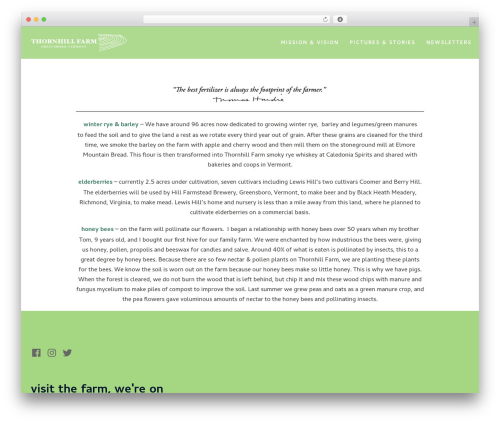
This plugin adds a Widget that allows you to show show the social media links as vector icons.
To use it, follow these steps after activation:
- Create a menu with links to your social media channels
- Select “SVG Social Menu” as menu location and save it
- Drag the widget “SVG Social Menu” in one of your widget areas
You can filter the custom CSS with the following code in your theme, where $styles is the CSS:
function slug_edit_svg_social_menu_styles( $styles ) {
    $styles = '<style>yourStyles</style>';

    return $styles;
}

add_filter( 'svg_social_menu_inline_style', 'slug_edit_svg_social_menu_styles' );
If you want to add CSS to the default rules, try this:
function slug_edit_svg_social_menu_styles( $styles ) {
    $styles .= '<style>additionalStyles</style>';

    return $styles;
}

add_filter( 'svg_social_menu_inline_style', 'slug_edit_svg_social_menu_styles' );
The following social network URLs are supported:
- plus.google.com
- wordpress.org
- wordpress.com
- facebook.com
- twitter.com
- dribbble.com
- pinterest.com
- github.com
- tumblr.com
- youtube.com
- flickr.com
- vimeo.com
- instagram.com
- linkedin.com
- xing.de
- xing.com
- /feed
- mailto:
- amazon.de
- amazon.com
- amazon.co.uk
- amazon.es
- telegram.me
- t.me
- behance.net
If you want more or have other problems, you can create an issue on GitHub.
Author: Florian Brinkmann
Plugin folder: svg-social-menu