Video Conferencing with BigBlueButton (BBB) (video-conferencing-with-bbb) free WordPress plugin

Video Conferencing with BBB integrates BigBlueButton into WordPress through which teachers can manage their virtual classrooms right from the WP dashboard.
This plugin is a fork of the BigBlueButton plugin initially released by Blindside Networks but no longer maintained.
BBB is an open-source video conferencing tool that is designed and “Built For Teachers”. It has all the core features you would expect in a web conferencing system. Additionally, it offers features that can empower teachers to engage their students in the virtual classroom by enabling active collaboration.
See All BBB Features
BBB WordPress Plugin Features
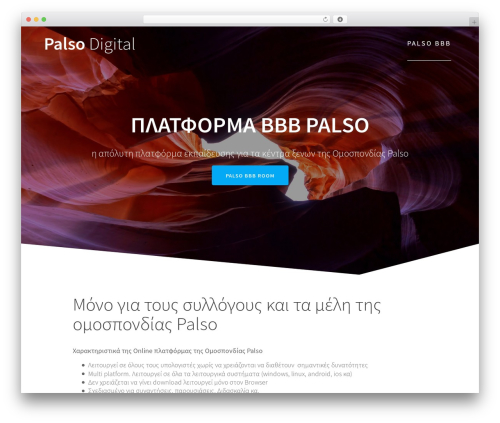
The BBB WordPress plugin enables the user to create BBB rooms right from the WordPress dashboard. Once the room is created it can be added to any WordPress page through a simple shortcode. There is also a possibility to enter multiple rooms in the shortcode to let the user choose the room that they want to join.
The student can simply click Join from the page where the shortcode is added and enter the BBB room where the teacher can initiate a virtual classroom session.
After the session is over the plugin can also display the recording of the session on the same page so that the students can take the keynotes from the session later on.
Pro Version Features
There is also a Pro version available with this plugin that offers the below features:
* Moderators frontend Room management area
* Embed BigBlueButton Room on WordPress
* Set a Countdown/Schedule for Room
* Fully White-label Virtual Classroom
* Limit the max allowed participants for a room e.g (5, 10, .. etc) both on a per room and per page basis. This can allow you to conduct a 1:1 or group session
* Upload your brand logo that is visible in the BBB room
* Customize the room background-color as per your brand color
* Change welcome message that is displayed in the Public Chat section of the room
* Customize thank you message when the user leaves the meeting
* Pre-upload your presentation (ability to upload both globally and per room basis)
Get Pro Version
Video Guide
How-Tos
- How to join BigBlueButton Room from WordPress
- How to limit number of users for BigBlueButton Room on WordPress
- How to allow instructors or users to manage BigBlueButton Rooms on WordPress
BigBlueButton Server
To get up and running in no time with a managed BigBlueButton hosting provider please refer to our Recommended BBB hosting providers.
For further queries feel free to contact us or directly reach out on [email protected]
Author: eLearning evolve
Plugin folder: video-conferencing-with-bbb
Tags: BBB, BigBlueButtom, bigbluebutton