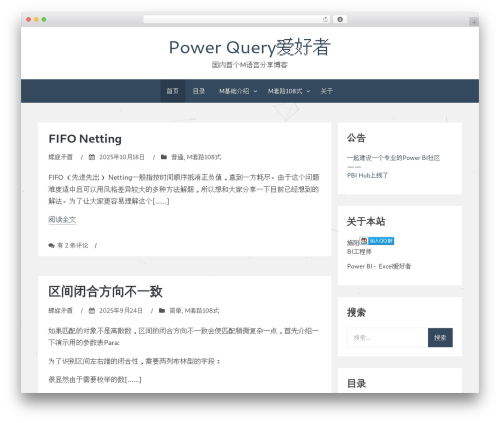
WP Code Highlight (wp-code-highlight) free WordPress plugin

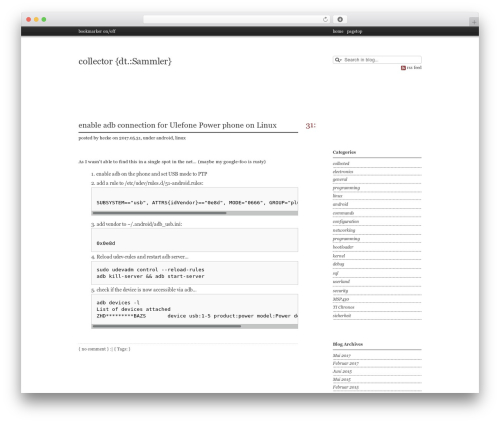
WP Code Highlight provides syntax highlighting of source code snippets and it is W3C valid.
Wrap code blocks with <pre> and </pre>
It provides a code button(HTML editor) to help you insert code in articles easily.
You don’t need to specify the language since WP Code Highlight will guess, all languages are supported.
You can put line numbers in your code if you need.
There are 4 highlight themes, you can choose from them or display by random.
It can also load wp-code-highlight.css from current wordpress theme directory.
It can delete its own options, so it is also a green plugin !
Basic Usage
- Download and extract
wp-code-highlight.ziptowp-content/plugins/ - Activate the plugin through the “Plugins” menu in WordPress
- “Dashboard”->”Users”->”Your Profile”->”Disable the visual editor when writing”
- “Dashboard”->”Settings”->”WP Code Highlight”
- Wrap code blocks with
<pre>and</pre>(It provides a code button in the HTML editor) - You don’t need to specify the language since WP Code Highlight will guess, all languages are supported
- It can also load
wp-code-highlight.cssfrom current wordpress theme directory
More Information
For more information of this plugin, please visit: Plugin Homepage.
Related Links:
- WP Code Highlight (FAQ) | Download
- WP Clean Up | Download
- WP SMTP | Download
- WP Slug Translate | Download
- WP Anti Spam | Download
- YG Share | Download
- BoLiQuan
- 玻璃泉
- 夜光
- YLife | Download
Author: BoLiQuan
Plugin folder: wp-code-highlight
Tags: Code Highlight, sourcecode, wordpress code highlight, wp code, wp code highlight