WP Different Navigation on Each Page And Post (wp-different-navigation-on-each-page-and-post) free WordPress plugin
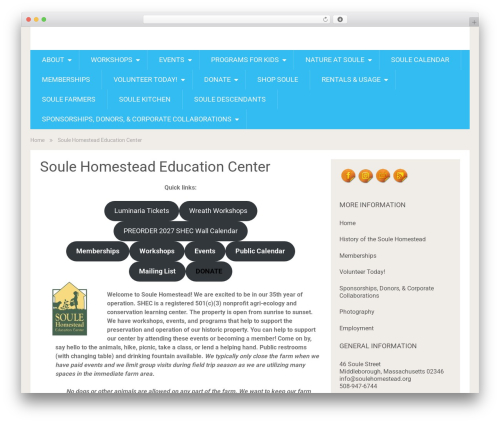
This plugin are display different-different navigation on each page and post.You Can easily setup different navigation or menu on pages and single posts. please follow these steps:
Step 1: First click on “WP Different Navigation Box Settings” sub menu in settings menu in wordpress admin section. Then select Posttypes. You want to display “Different Navigation Box” MetaBox on Posttypes.
Step 2: Select Menu in “Different Navigation Box” Metabox for Current Page/Post Display Menu.
Step 3: “WP Different Navigation Widget” put this widget you want display menu in widget area. and enter widget title and select default menu and click on save button.
Easy to use Different Menu on the page or post by shortcode “[wpdnepp_menu]” Or Use This Code in Page Template <?php echo do_shortcode('[wpdnepp_menu]'); ?>.
Author: Rajesh Kumawat
Plugin folder: wp-different-navigation-on-each-page-and-post
Tags: custom navigation, different menu, different navigation page, different-different menu on each page, different-different menu on each post