WP e-Commerce Grid View (wp-e-commerce-grid-view) free WordPress plugin

NOTICE !
As of version 2.0.0 this plugin is no longer supported by the developer. With version 2.0.0 release the plugin is upgraded for compatibility with:
- WP eCommerce 3.12.2
- WordPress 4.8.0
Version 2.0.0 also contains all advanced features that used to be available in a paid Premium Version.
We invite any interested developer to take over the maintenance and future development of this plugin. If you are interested in doing that please let us know via a support ticket.
WHAT IT DOES
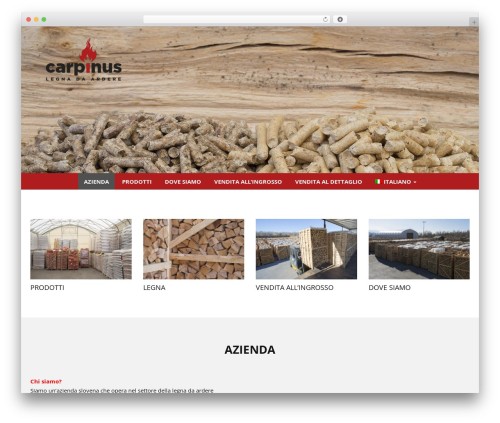
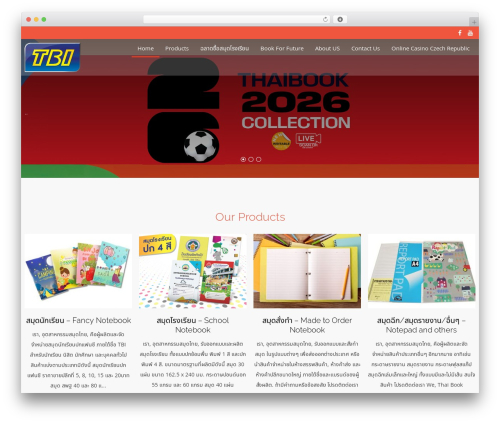
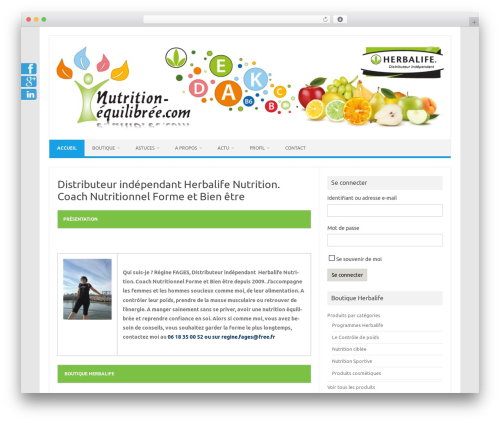
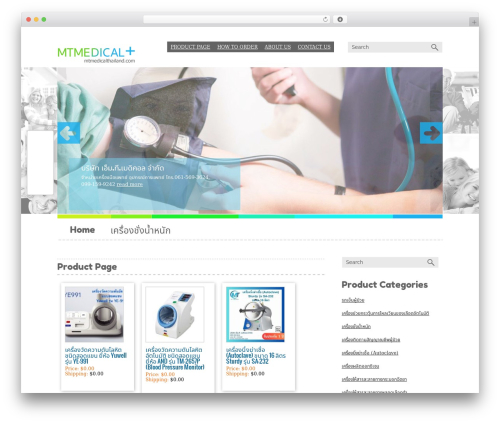
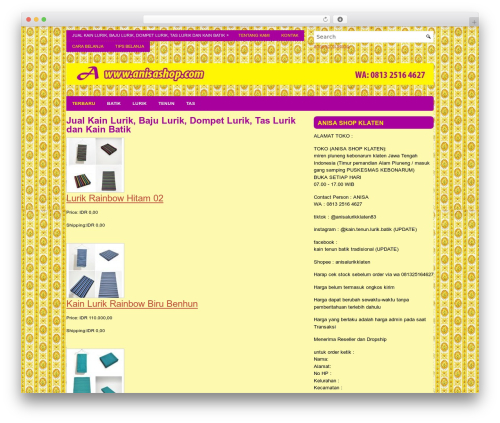
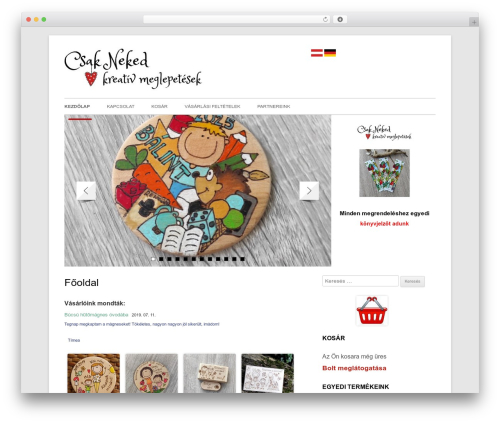
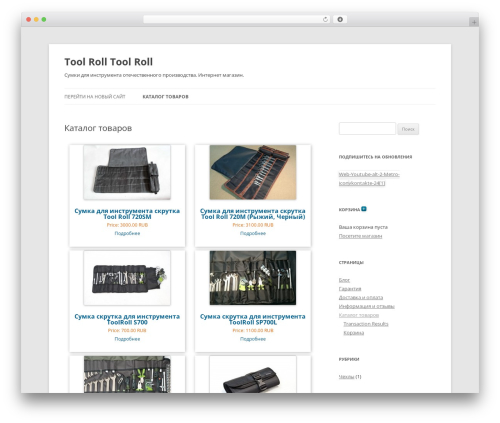
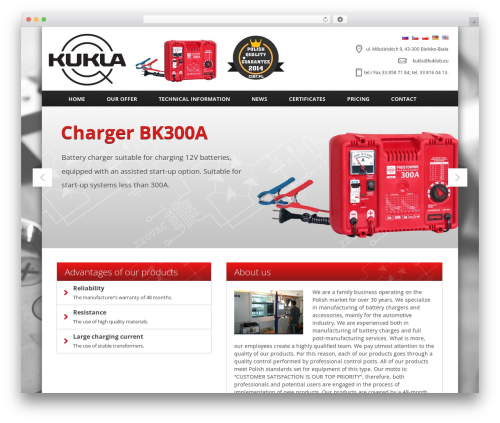
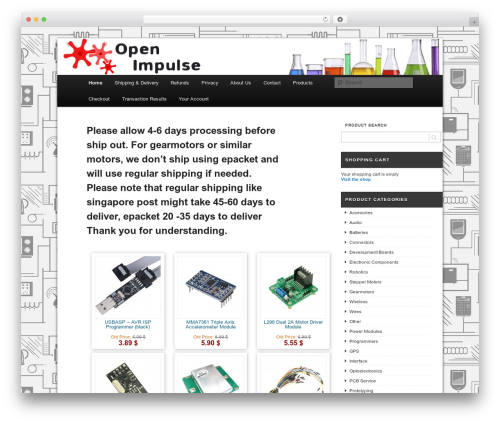
Install WP e-Commerce Grid View to showcase your products using a grid view layout. Grid view gives your front end user a greatly enhanced browsing and shopping experience on your site. The plugin automatically activates the native grid view functionality on WP e-Commerce when installed and activated.
FEATURES
- WP e-Commerce Grid View plugin has no settings, just install and activate.
- Once activated it auto activates the ‘locked’ Grid View Feature on the WP e-Commerce plugin.
- Once activated go to your WP admin dashboard > Store > Presentation tab and scroll down to the Product Page Settings and you will see in the dropdown that you can now select and set the Grid View settings.
- WPEC Grid View always activates the Grid View Feature in WP eCommerce.
- Fully mobile and tablet responsive Grid View display (providing of course that your theme is responsive)
- Fluid Product Card display ( Grid view), for Products page (Shop), Product categories pages, product tag pages
- Fluid Product Card Display ( Grid View ) for Categories pages created by shortcode.
- Adds Product Card (Grid View) product image Scaling to the WP eCommerce plugin.
- Auto scales product feature image so they they also show perfectly on the Grid View Product cards.
- Images are scaled from the centre of the container for a perfect display everytime.
- Adds Grid View to Category pages that are added via shortcode.
LANGUAGE TRANSLATIONS
Want to add a new language to WooCommerce Dynamic Gallery! You can contribute via translate.wordpress.org
Usage
-
Install and activate the plugin
-
Go to WP admin dashboard > Settings > Store > Presentation tab > Product Page Settings
-
Select Grid View and your Grid View Settings.
-
Save your changes.
-
Have fun.
Support
Support is available from the Support tab on the Plugins wordpress.org page.
Author: a3rev Software
Plugin folder: wp-e-commerce-grid-view
Tags: e-commerce, wordpress ecommerce, wp e-commerce, WP e-Commerce Grid View, WP e-Commerce Product Pages