WP Fountain (wp-fountain) free WordPress plugin

The Fountain format is a text format originally named Scrippts and designed by John August to allow writers to input screenplay text in easy-to-write plain text and have it converted to properly styled HTML. This plugin will automatically convert plain text Fountain to HTML, and add John August’s Scrippets CSS file (renamed Fountains.CSSinto your blog. For more information on WP Fountain please see http://mcneill.io/wp-fountain
This plugin modifies screenplay format text for inclusion in web pages. Based on the scrippet concept and original code by John August and Nima Yousefi.
- Now available on Github
- Download WP Fountain
- WP Fountain on WordPress.org
- WP Fountain is a WordPress Plugin to support Fountain markup (aka SPMD) for screenplays.
To include a Scrippet of Fountain in your WordPress blog simply include text in the following format:
[fountain]
INT. HOUSE – DAYMARY yells across the hall to FRANK.
MARY
Anything you want to tell me?FRANK (O.S.)
I swear, honey, I don’t know how mayonnaise got in the piano.CUT TO:
FRANK
running out of the bathroom.
FRANK
(terrified)
There are bees in the toilet!
[/fountain]
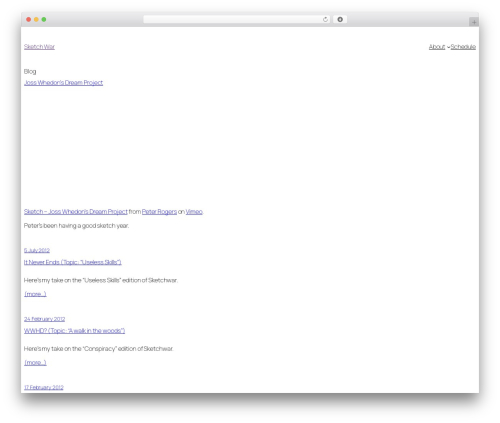
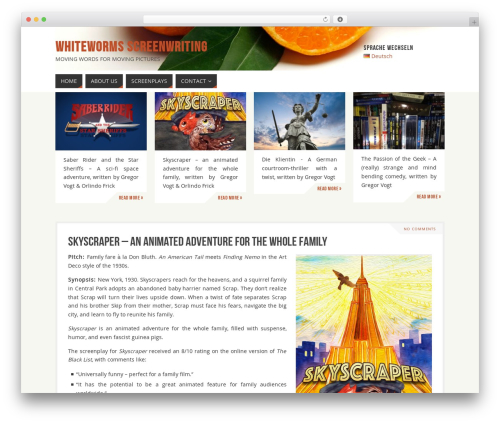
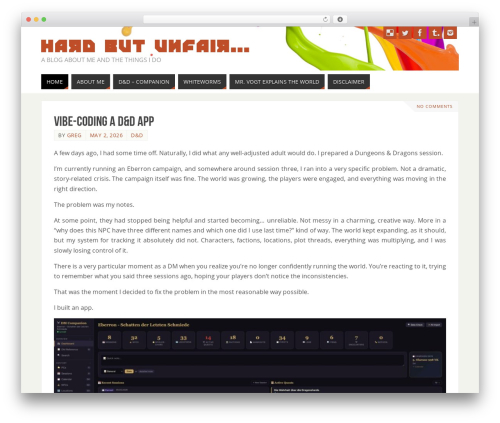
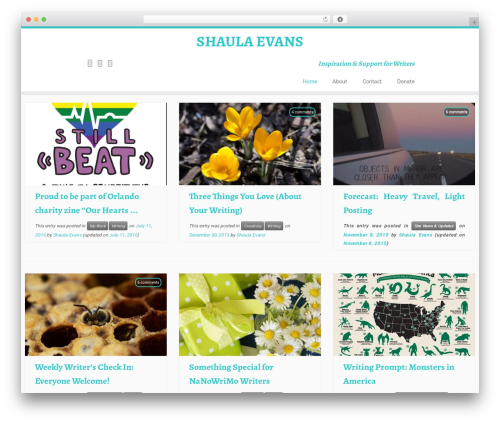
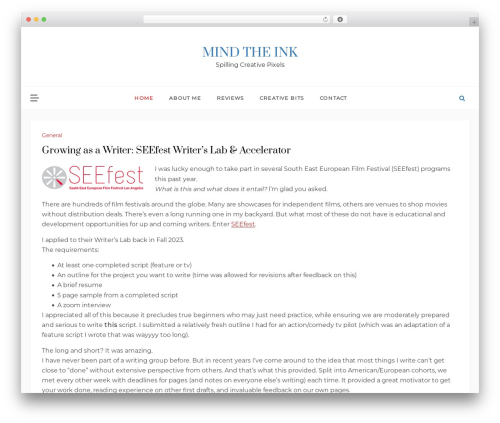
This renders as seen in screenshots
Note: Fountain text must be wrapped in [fountain][/fountain] blocks, and must have correct line spaces between screenplay elements.
You can make text bold or italic by in the following ways:
Bold
- Wrap the text in double asterisks
**bold**.
Italic
- Wrap the text in single asterisks
*italic*.
Please note: text styling does not work for transitions. Sorry.
Author: Jeff Mcneill
Plugin folder: wp-fountain
Tags: film scripts, screenplay, screenwriting, scrippet, scrippets