WP News Slider (wp-news-slider) free WordPress plugin
Free Plugin10 websites
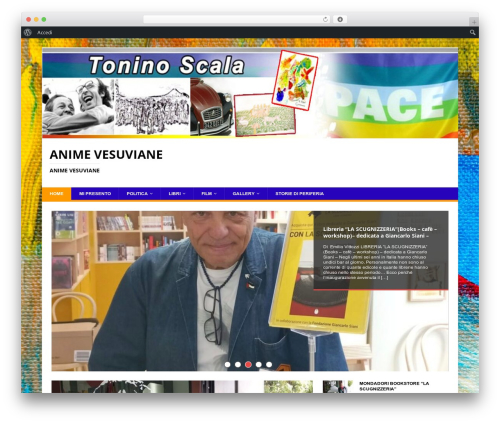
Show a widget with news that you add in your blog.
Adding message
- Go to the “WP News Slider” option in the Settings menu.
- Click in the “Add New Message”
Configuring the Widget
- Once you have added messages, go to the “Widgets” section in the “Design” menu.
- Look for the “WordPress News Slider” widget an clik in the “add” link.
- When the widget was added to the click on the “edit” link.
- There, you can configure the time thats one message will stay in the screen
before another message appears, the date format and the link’s text. - Press “Save Changes”. Done !
Author: Angeline Strauss
Plugin folder: wp-news-slider