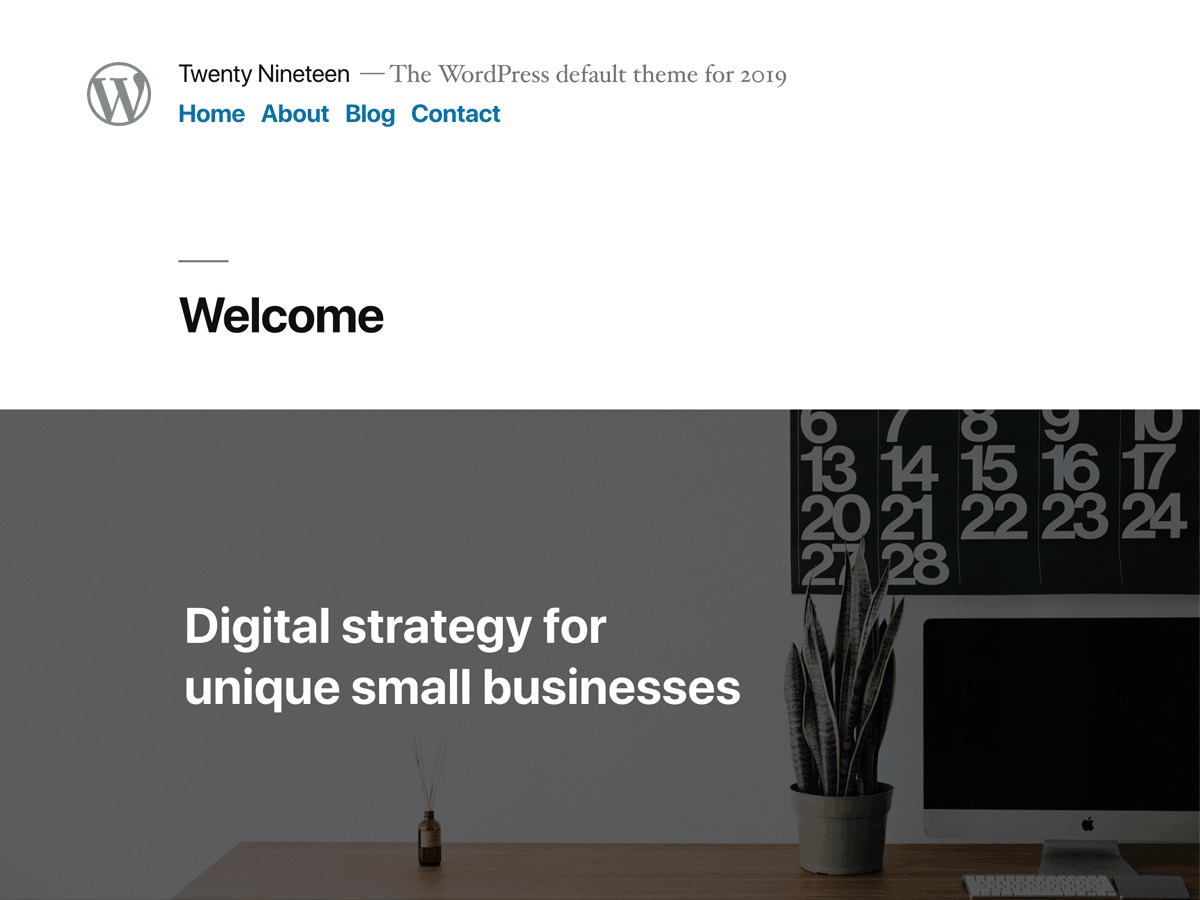


Twenty Nineteen was WordPress's default theme for 2019, built to show off what the block editor could do. It's held on as one of the fifty most used themes we track — not because it's gaining new ground, but because plenty of sites installed it years ago and never had a reason to switch. Here's what the data on live installs actually says about it.
A default theme built to sell the block editor
The idea behind it was simple: what you build in the editor should look like what visitors see on the front end, block by block. Twenty Nineteen is free, bundled with WordPress core rather than something you'd find separately in the theme directory, and it hasn't spawned much of a child-theme ecosystem. Visually it's restrained — sans-serif headlines over serif body text, generous whitespace, nothing loud. That's on purpose. It's meant as a foundation, not a finished design.
Who actually ends up running it
Studying the sites still running it, personal blogs and photography or creative portfolios lead the pack, with smaller clusters of agencies, hotels, schools, and nonprofits mixed in. No single niche owns it — it's a theme for small, single-owner sites that needed something free and stable, not something specialized. English installs dominate, but German, French, Spanish, and Japanese sites turn up often enough to say it travels fine outside English-language markets.
Block editor first, page builder in practice
On paper, you're supposed to build with core blocks and skip a separate builder plugin entirely. In practice, that's not what happens. Elementor and Elementor Pro are the plugins most commonly paired with it, which tells you most owners install Twenty Nineteen and then drop the native block styling for a builder anyway. Yoast SEO and Contact Form 7 show up often too — standard small-site tooling, nothing theme-specific. WooCommerce appears on a modest share of installs, so it can run a small shop, but there's no commerce layout support built in — the plugins do all the work.
What it does well
It's free, it's stable, and it has years of WordPress core updates behind it, so compatibility problems are rare at this point. The sans-serif and serif type pairing still reads cleanly on a phone, which is more than a lot of newer themes manage. For a personal blog, a portfolio, or a small nonprofit page that needs to go live without a design budget, it quietly does the job.
Where it starts to hurt
It's dated. WordPress ships a new default theme every year or two, and the newer ones are built around full-site editing, with far more layout control and no code required. Twenty Nineteen predates that shift — no template editing, limited header and footer control, thin customization beyond blog-post layouts. The heavy Elementor pairing that shows up across live installs is really a symptom of that gap: the theme alone can't do what most small-business sites expect now.
If Twenty Nineteen doesn't fit
If you want to stay with a free WordPress default but get real full-site editing, Twenty Twenty-Four is the direct upgrade — newer, and built around how the block editor actually works today rather than how it worked in 2019. If what you really want is the page-builder freedom people already bolt onto Twenty Nineteen with Elementor, Total and Jupiter are built for that from the start, with far more layout options out of the box. Hestia is worth a look too, for small-business or personal sites wanting a lighter, more current default look without committing to a full builder.
A few things worth knowing first
Is Twenty Nineteen free?
Yes. It's a WordPress default theme, bundled with core rather than sold or downloaded separately. No license fee, no premium tier.
Does it work with Elementor or another page builder?
It works fine technically, and going by what shows up on live sites, most owners running Twenty Nineteen do exactly that — pair it with Elementor rather than rely on the block editor it was built to showcase.
Is it a good fit for an online store?
Not really. WooCommerce appears on only a modest share of the sites running this theme, and there's no commerce-specific layout support built in. A theme designed around WooCommerce will serve you better.
Where that leaves you
Twenty Nineteen still makes sense for a personal blog, a portfolio, or a small nonprofit page where the goal is get it live, keep it stable, spend nothing. It's holding its footing among the fifty most used themes we track, not because it's winning new fans but because a lot of those sites simply never had a reason to move on. If you're starting fresh and want the block editor to actually carry the design, pick a newer core theme instead. If you already know you'll want a builder's worth of layout control, skip the detour and choose a theme built around one from day one.
Last updated 2026-11-04