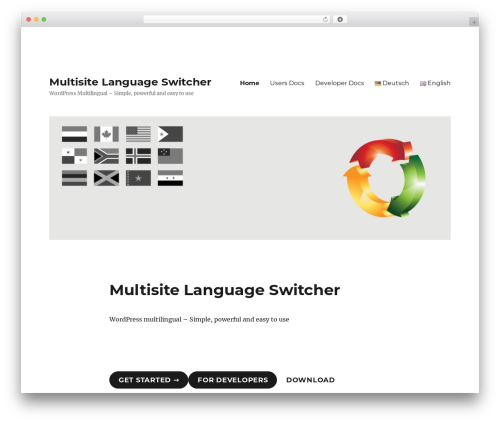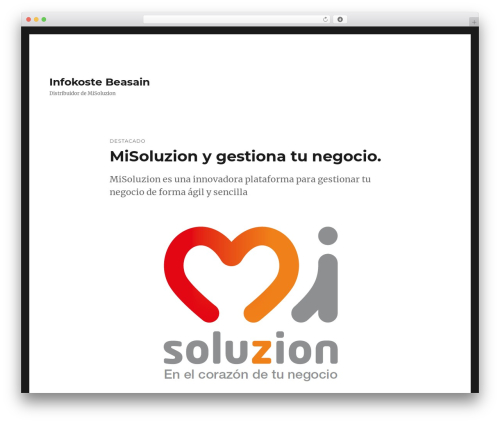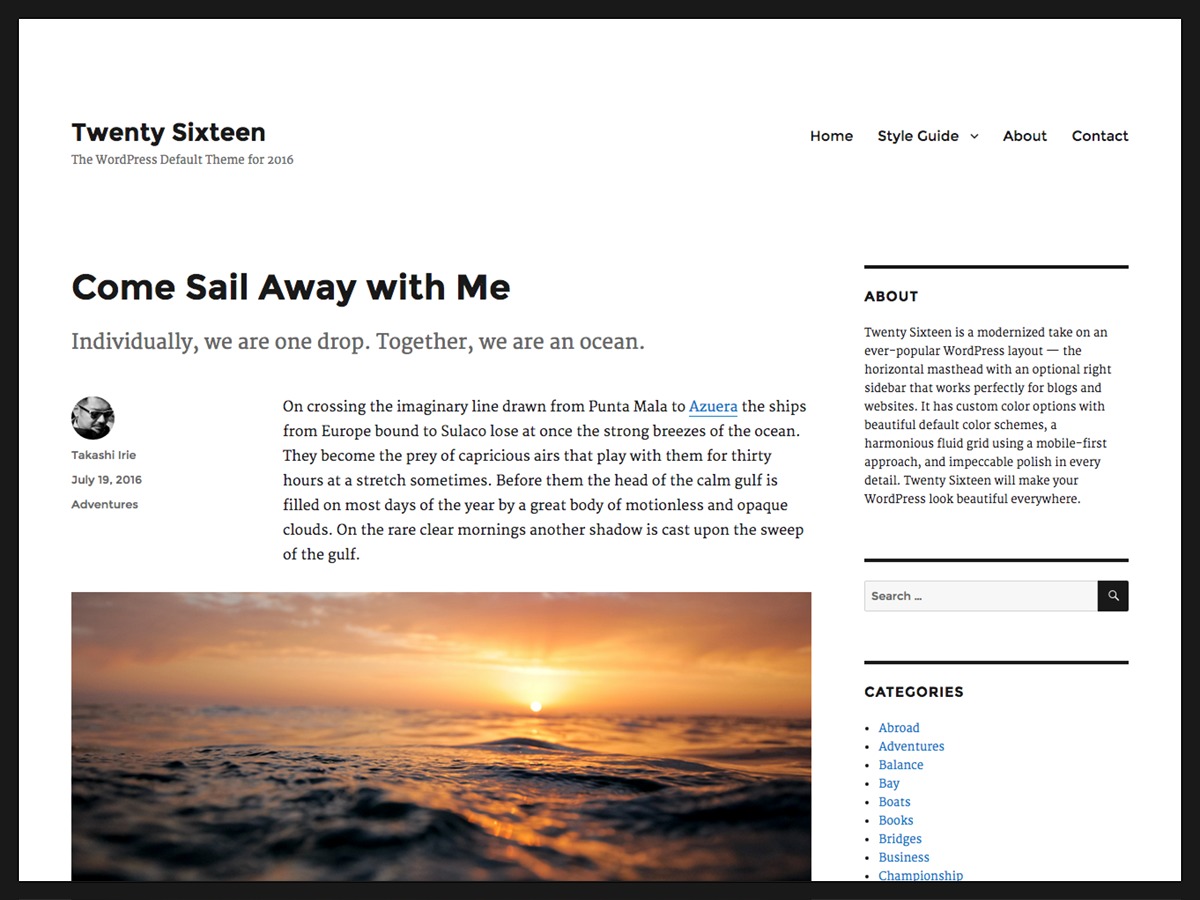


Twenty Sixteen is the WordPress team's default theme for the 2016 release, built around a horizontal masthead and an optional right sidebar. It's not flashy and it never tried to be. Our analysis of live WordPress sites shows it's still holding on as one of the fifty most used themes we track, years after a newer default replaced it as the install-time choice.
A default theme that outlived its release cycle
We've tracked Twenty Sixteen since 2018, and it's been a long-established fixture the whole time — not growing, not collapsing, just holding its share. The author describes it as "a modernized take on an ever-popular WordPress layout... with impeccable polish in every detail," which is standard theme-page language, but the underlying claim — a fluid, mobile-first grid — is accurate and still functions fine on current WordPress.
No builder, no blocks, just templates
This is a classic PHP template theme, not a block theme. Layout comes from the Customizer: color schemes, a header image, widget areas, a handful of fixed positions. There's no drag-and-drop builder bundled in, and it predates full site editing entirely, so anyone expecting to reshape templates visually will be disappointed. Anyone wanting stable, predictable markup that doesn't shift under them will be fine.
Who's actually still running this
The sites we see running it skew toward personal blogs, religious and community groups, photography and portfolio sites, and small schools — the kind of site one person maintains without a developer on retainer. Business types lean personal and nonprofit over corporate or ecommerce, and English dominates the language mix, with a German-speaking cluster too. None of these leads is overwhelming on its own; it's a mild pull toward low-maintenance, content-first sites rather than a hard rule.
Why it still turns up on new installs
The plugins clustering around it are telling: Yoast SEO and Contact Form 7 top the list, followed by Jetpack and Google Site Kit. That's a low-friction stack — basic SEO, a contact form, some analytics — not the caching-and-optimization pile you see around heavier commercial themes. Twenty Sixteen ships lean, so it doesn't force owners to compensate for its own weight. It's also core-team maintained, which means security patches keep coming long after the release hype has faded, and it's accessibility-ready out of the box.
What you'd pick instead — and why you might
If you want a similar sidebar-and-blog layout with a more active plugin ecosystem, Cocoon is a reasonable step up for content sites. If you'd rather stay with a WordPress-team default but get something block-editor-native, Twenty Twenty or the newer Twenty Twenty-Four fit better. For anyone wanting real page-builder flexibility without leaving a lightweight base, neve covers that. On the weakness side: Twenty Sixteen has very few child themes built for it, which limits how far you can extend it without writing your own CSS, and its masthead-plus-sidebar look reads as dated next to anything built in the last few years. If visual customization matters to you, this isn't the theme.
Questions worth answering first
Is Twenty Sixteen free?
It ships as part of WordPress core's theme history, so if you're on a WordPress install that includes it, it's already there at no extra cost — no license or subscription involved.
What page builder does it use?
None. It's a traditional theme controlled through the WordPress Customizer — colors, header image, menus, widgets. There's no bundled Elementor-style builder, though you can install one separately.
How does it compare to Cocoon or Twenty Twenty?
Cocoon targets the same blog-with-sidebar layout but with more active development and plugins built around it. Twenty Twenty is the WordPress team's next default and is block-editor native, which Twenty Sixteen is not.
Where that leaves you
Pick Twenty Sixteen if you're running a personal blog, a small community or church site, a school page, or a portfolio and you want something stable, secure, and light that you can hand off without training anyone on a builder. Skip it if you need modern block-editor layouts, heavy visual customization, or an ecommerce storefront — the sparse child-theme options and pre-block architecture will fight you at every turn. It's a fine, quiet choice for a narrow job, not a platform to build a business on.
Last updated 2026-11-07